SmartLink Manager: one link, the right destination.
An app can have several download pages, but a poster or campaign needs one link to share. SmartLink Manager lets teams manage that link in Craft CMS, with a destination for each supported device and a fallback for everyone else. Branded QR codes and built-in analytics connect the link on screen or in print to the team maintaining it.
01In use

Manage app-download links alongside your Craft content. 
Set a destination for each platform and a fallback. 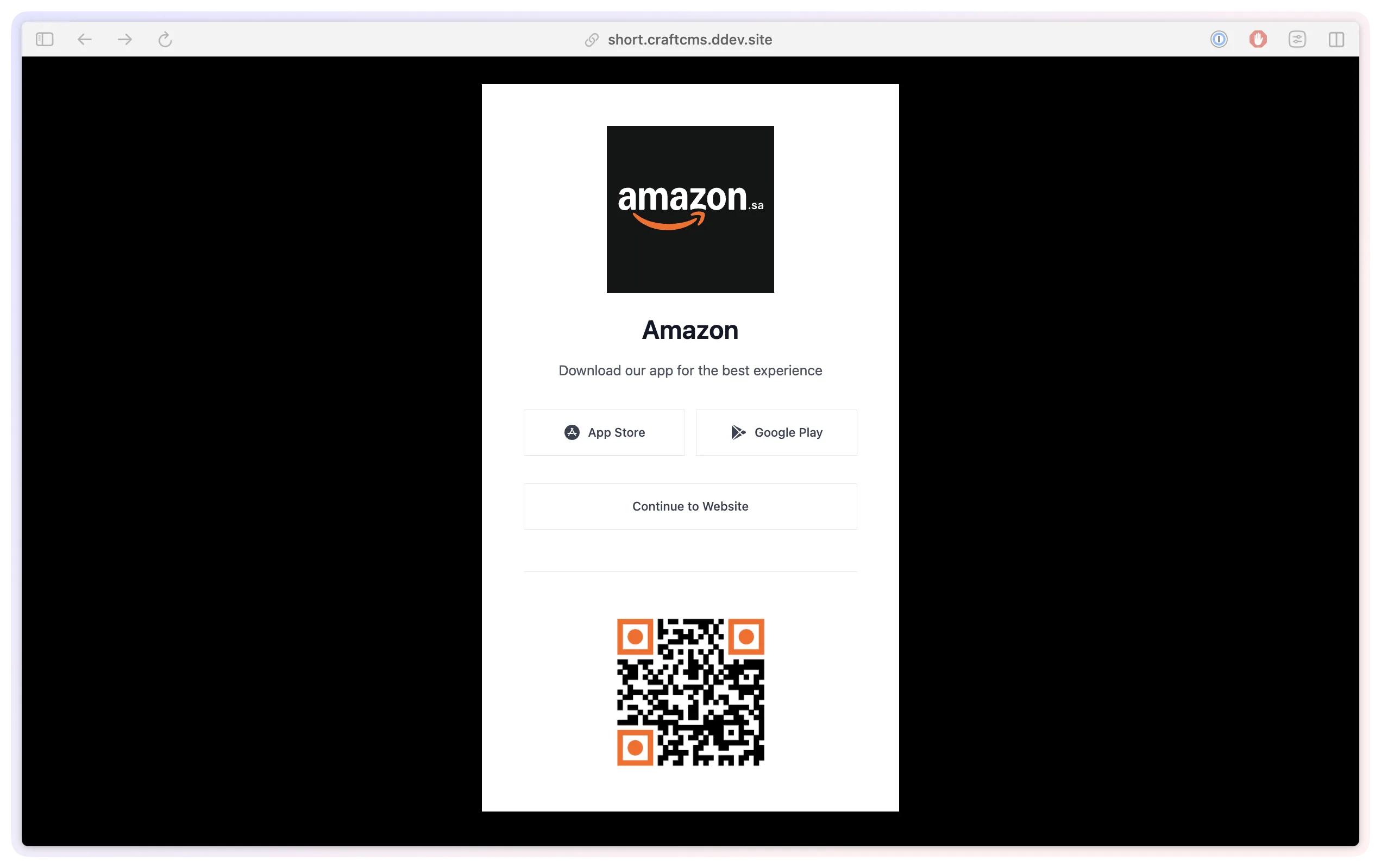
Customise the download page with your own template. 
Preview QR colours and styles before saving. 
Configure branded addresses and site-specific paths. 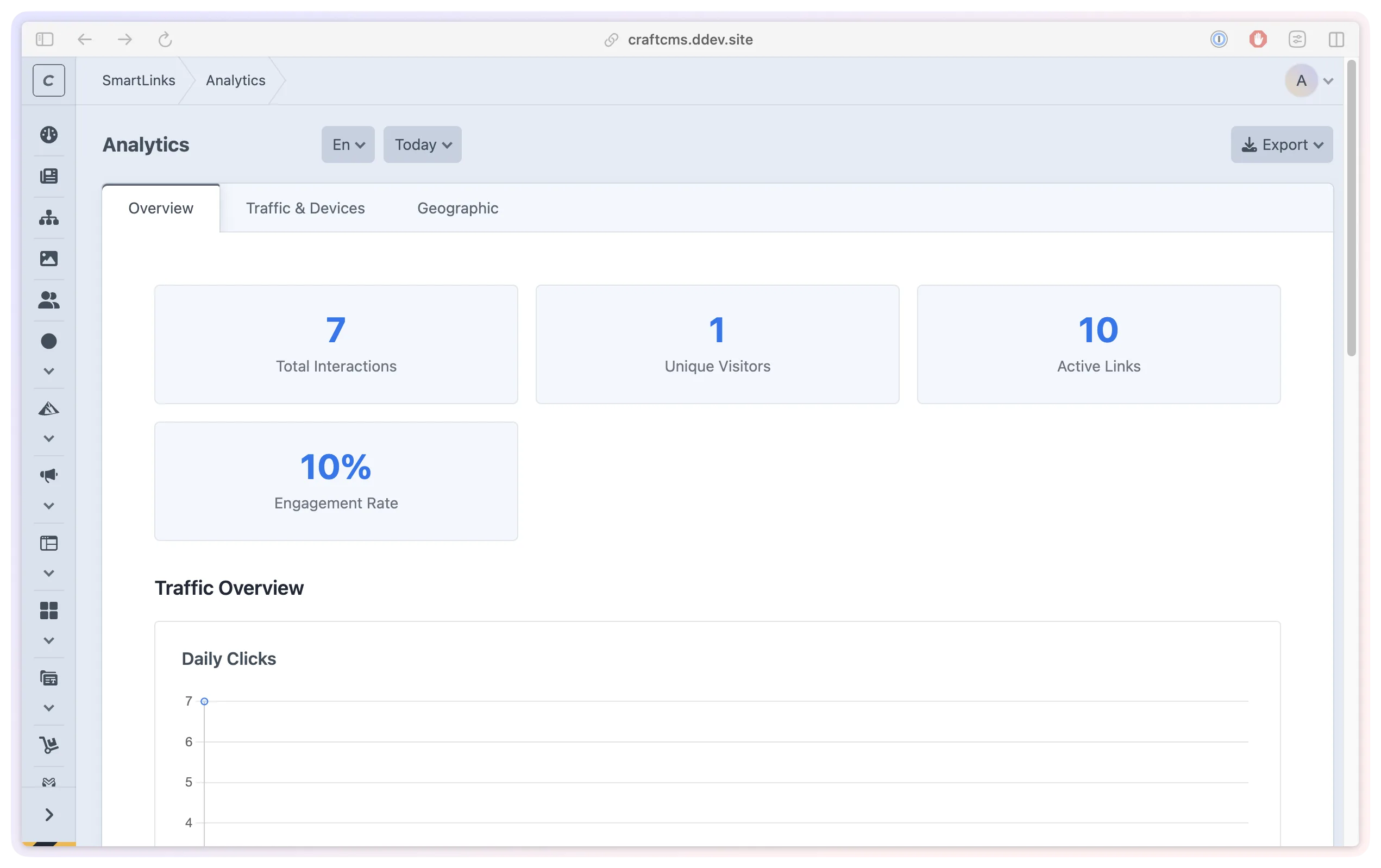
Compare link activity by device and source. 
Follow link activity from the Craft dashboard. 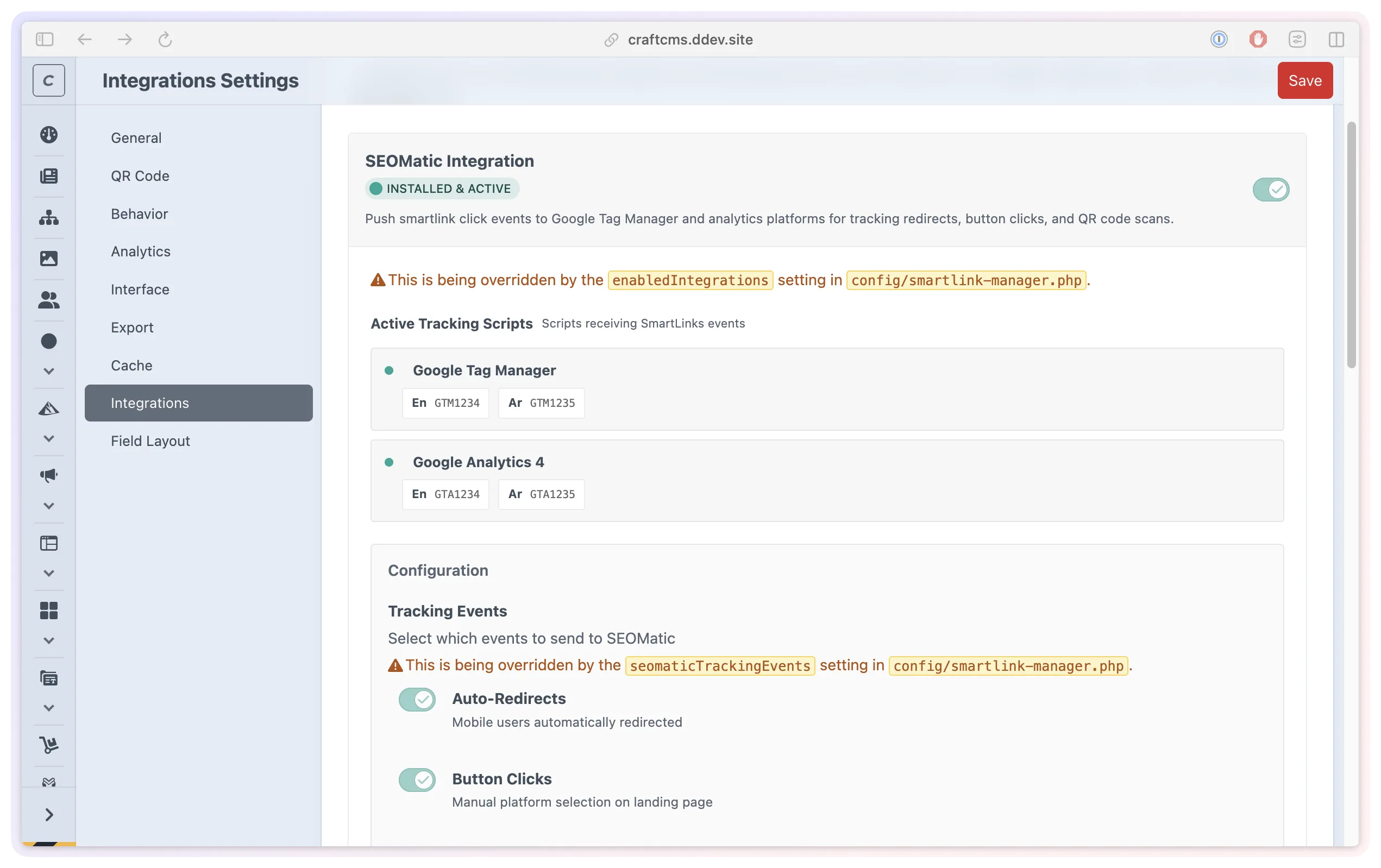
Connect routing with the rest of your Craft setup.
- Role
- Design, architecture and engineering
- Stack
- Craft CMS 5.10+
- PHP 8.2+
- Matomo Device Detector
- Status
- On the Plugin Store
- Since
- 2025 to present
- Routing Send visitors to the download for their device.
- Reuse Update destinations behind one shared QR code.
- Insight See which links and platforms receive activity.
02The problem
One invitation to download. Several places to go.
Someone opening a campaign on an iPhone needs a different store from someone using an Android phone. A desktop visitor may need a download page or more information. Sharing a separate link for every platform makes the message harder to keep simple.
SmartLink Manager brings those destinations together behind one address. Teams can use it in a website button, an email or a printed QR code, then maintain the platform URLs in Craft as they change.
03Device routing
Set the destinations. Let the link guide the visitor.
Each smart link holds URLs for iOS, Android, Huawei, Amazon, Windows and Mac, plus a fallback. Device detection uses the information sent by the browser to choose the destination. Huawei and Amazon devices can use the Android URL when a dedicated destination has not been set.
The fallback gives unrecognised devices and platforms without a destination a useful place to land. This could be a product page with download options or instructions. It is part of setting up a link, because device information is not always available.
Links are managed like other Craft content, with a title, status, publish date and optional expiry date. Editors can schedule a campaign link and review its destinations from one form.
04QR codes
Keep the printed code. Update where it leads.
A QR code points to the managed smart link, so the team can change its app-store destinations without replacing the code on packaging, posters or displays. The public link must stay active at the same address for that continuity to work.
Colours, pattern shapes and corner styles can be adjusted to suit the brand, with previews before saving. Codes are available as PNG or SVG, and PNG versions can include a logo. Designers get downloadable assets while editors retain control of the destinations in Craft.
The QR display page can also show a title and image. Developers can customise that page and the download experience using the site's own templates.
05Understanding activity
See which links people use.
Built-in analytics separates redirects, QR scans and store-button clicks. Teams can review trends, platform choices, devices and referrers, with an individual view for each link and summary widgets on Craft's dashboard.
Tracking can be controlled globally and per link. IP addresses are stored as salted hashes, retention is configurable and geographic lookup is off by default. Detected bot and system traffic is labelled to help interpret the figures.
These records describe activity on the links. They help a team compare campaign placements and download destinations; they do not establish whether someone went on to install the app.
06Links in Craft
Make the link part of the content workflow.
The SmartLink field lets an editor select an existing link when building a page. A download button can refer to that managed item, with its destinations maintained centrally. Custom fields can hold extra information the team needs alongside it.
A link can share one slug across several Craft sites while using different destination URLs on each. With the domain configured to reach the Craft installation, teams can also publish links under a branded address and use site-specific URL paths.
For larger collections, CSV imports guide the team through column mapping and preview before creating links. Exports provide a reusable starting point, and import history records the results.

07For developers
Keep routing and presentation connected.
Developers can query smart links through Twig or GraphQL and design the download page around the product. The supplied redirect helper resolves the destination for each visitor, which matters when the surrounding page is cached. Tracked button URLs record the chosen platform before forwarding.
Optional integrations connect SmartLink Manager to SEOmatic for metadata and tracking events, and to Redirect Manager for old URLs when a slug changes. With Logging Library installed in Craft, available diagnostic logs can be viewed in the Control Panel.
The product keeps app-download links, their presentation and their maintenance in the same workspace as the website. Teams can work on the campaign experience while developers retain control over how it connects to the rest of the site.
