Logging Library: clearer answers when a site needs attention.
When an export fails or a background task stops, the site's logs can help explain why. We built Logging Library to bring those records into Craft CMS, where teams can search, filter and inspect them. It also gives plugin developers a shared way to record activity and add a log viewer to their own plugins. Free and open source.
01In use

Browse plugin activity, Craft logs and PHP errors from one place in the Control Panel. 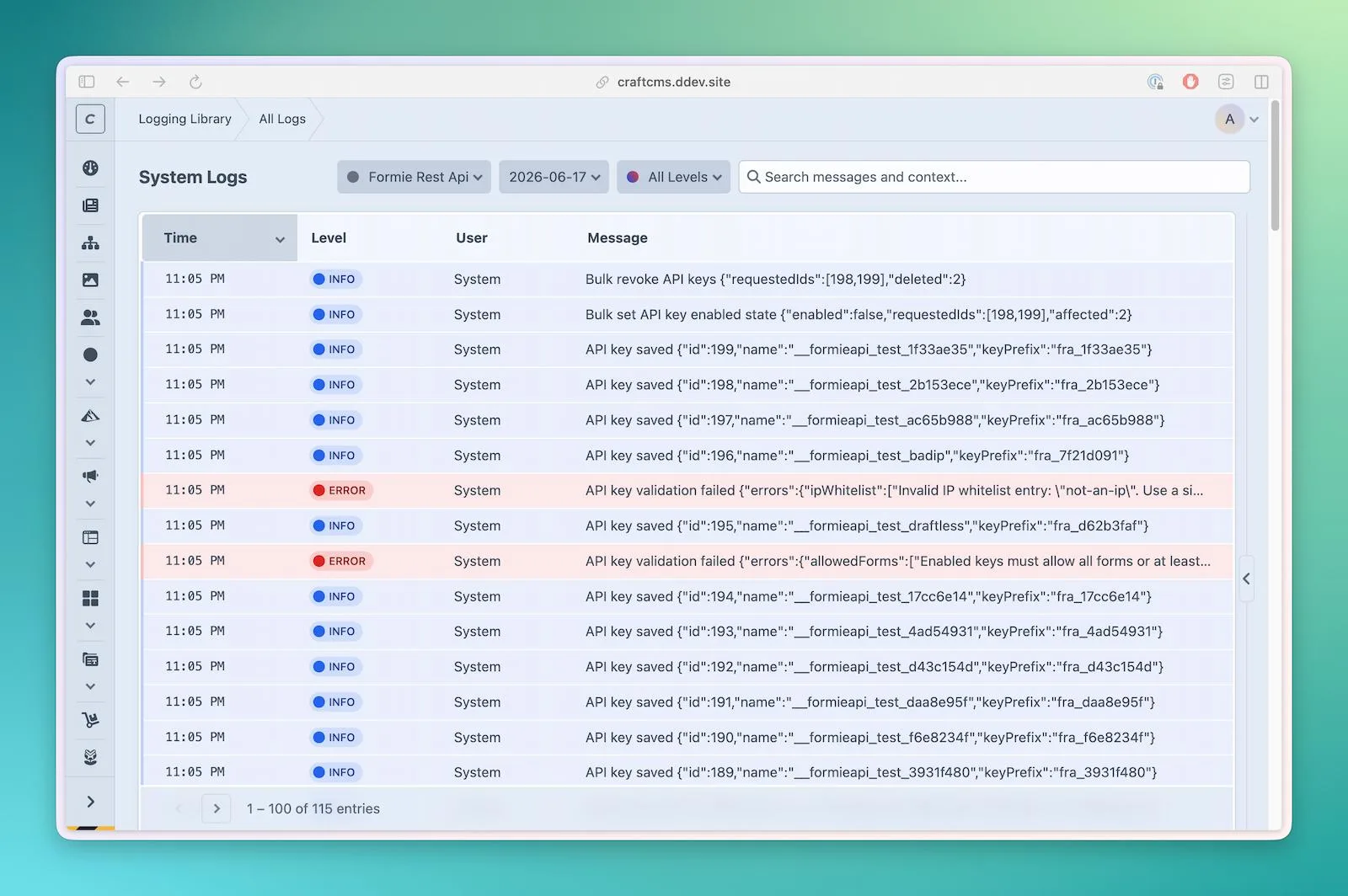
Choose a plugin to focus the investigation on its activity. 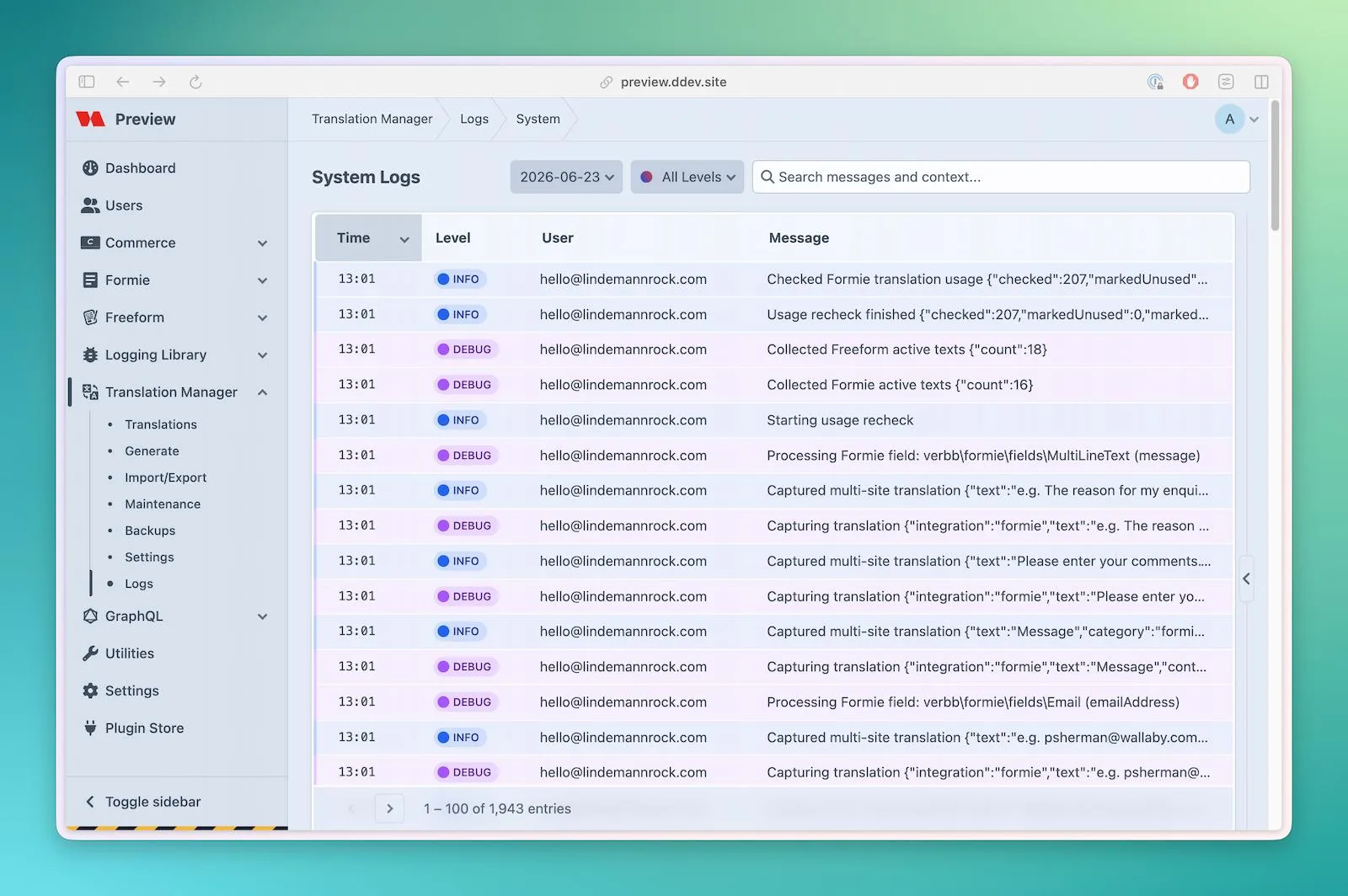
Translation Manager uses the shared viewer to make its logs available inside the plugin. 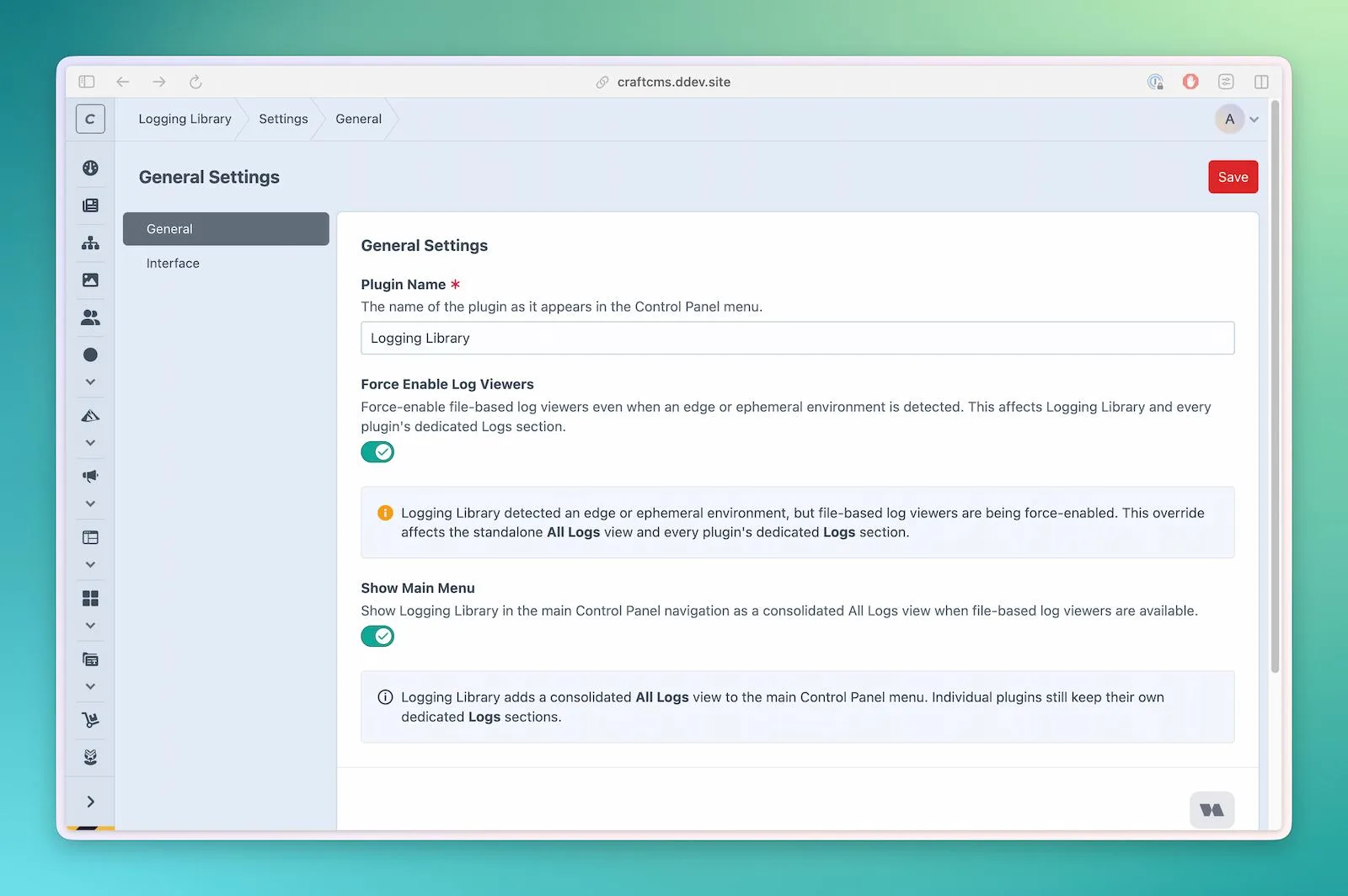
Adjust the viewer to suit the team, with configuration overrides available for developers. 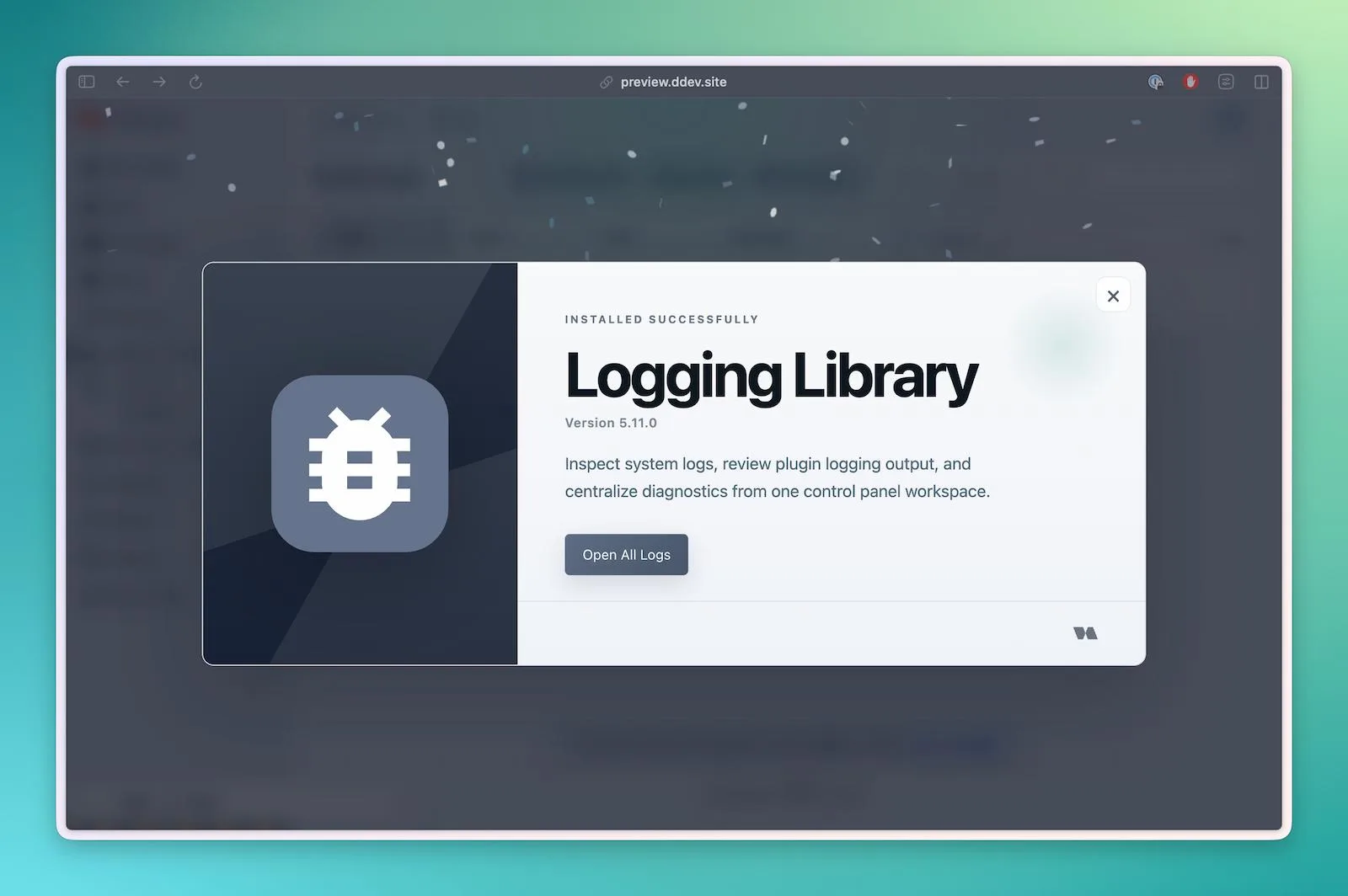
The installation welcome screen provides a direct link to All Logs.

- Role
- Design, architecture and engineering
- Stack
- Craft CMS 5.10+
- PHP 8.2+
- Monolog, PSR-3
- SQLite cache
- Optional Redis storage
- Status
- Open source, MIT
- Since
- 2025 to present
- Clarity Find useful details without leaving Craft.
- Consistency Use familiar logging tools across plugins.
- Open source Free to use and adapt in your Craft projects.
02The problem
The clues are there. Getting to them takes work.
A failed import might leave a useful error message on the server, but the person investigating it is often working in Craft's Control Panel. Finding that message can mean asking a developer to retrieve a file, then working through unrelated entries to find the right moment.
Plugin developers face another version of the same problem. Each plugin needs a way to record what happened, organise those records and make them available to the people supporting the site. Logging Library brings that work into one reusable tool.
03Reading logs
Start with the problem. Find the details that matter.
The All Logs page brings plugin activity, Craft's own logs and PHP errors into one place. Choose a source and a file, filter for errors or warnings, and search for a relevant message. Open an entry to see its supporting details, or download the original file to share with a developer if you have permission.
Plugins can also include the same viewer in their own Control Panel section. Someone investigating a translation issue can open Translation Manager's logs without leaving that plugin. The layout and controls stay familiar as they move between tools.
The design keeps the list easy to scan, with time, severity and message visible first and longer details available on demand. Logs can still contain technical language, but the interface gives people a clearer starting point for an investigation.
04For developers
Build the plugin. Reuse the logging.
Developers configure Logging Library with their plugin's name, log level and access permissions, then add a Logs link to its navigation. The library provides the viewer and gives each plugin its own daily log files, keeping its activity easy to find.
A reusable PHP trait adds methods for information, warnings, errors and debugging. Each message can carry extra details, such as how many records an export processed or why it failed. Developers can also use the logging service directly, retrieve recent entries for a dashboard, or clean up older files.
// In a plugin using LoggingTrait$this->logInfo('Export completed', [ 'count' => 45, 'format' => 'csv',]);
Underneath, the library uses Craft's existing logging system and Monolog, following the PSR-3 logging standard. An indexed SQLite cache supports filtering and paging through large files without loading the whole log into memory on each page request. The viewer also works without SQLite, with higher memory use for large files.
05Recent activity
Useful even when the host does not keep local log files.
Some hosting environments do not retain local files between requests or deployments. Logging Library detects Craft's temporary-storage setting and Servd projects, and hides its file viewers by default in those environments. Logging itself continues.
For these sites, developers can enable Runtime Logs: a view of recent activity stored in Redis or a compatible Craft cache. A team can repeat a failing action and watch for new entries in the Control Panel. The page refreshes automatically and pauses while an entry is open, so the details stay still while someone reads them.
Runtime Logs is off by default and configured in config/logging-library.php. Its defaults keep up to 1,000 entries for up to 24 hours, exclude console and queue activity, and leave automatic user ID recording turned off. It provides a short window for investigation; longer-term history stays with the site's log files or hosting tools.
06Access and settings
Give people the access their work calls for.
Reading logs, downloading files, clearing stored diagnostics and managing settings have separate permissions. A team member can investigate an issue without being able to change the setup. Developers integrating the library can define access to their own plugin's viewer separately.
Teams can adjust the display name, menu visibility, entries per page and time format in Craft. Developers can override these settings in configuration for each environment, and the interface shows when a setting is controlled there.
07Shared foundation
One shared tool, a more consistent experience.
Logging Library brings a common support experience to our Craft plugins. Developers can reuse the logging and viewer instead of building them for each product. Teams maintaining those products get familiar controls and a consistent place to look when something needs attention.
The work connects interface design with the engineering behind it: making records easier to browse, keeping useful detail close at hand and adapting to different hosting setups. The library is free and published under the MIT licence, so other developers can use and adapt it in their own Craft projects.
